Business · 3 min read
How to make a cash receipt online for free (A5 and A6)
Step-by-step: a small, branded cash receipt with your logo and colours, sized for A5 or A6 paper.
By Dismus Nganyi · Published 10 November 2026 · Last reviewed 10 November 2026
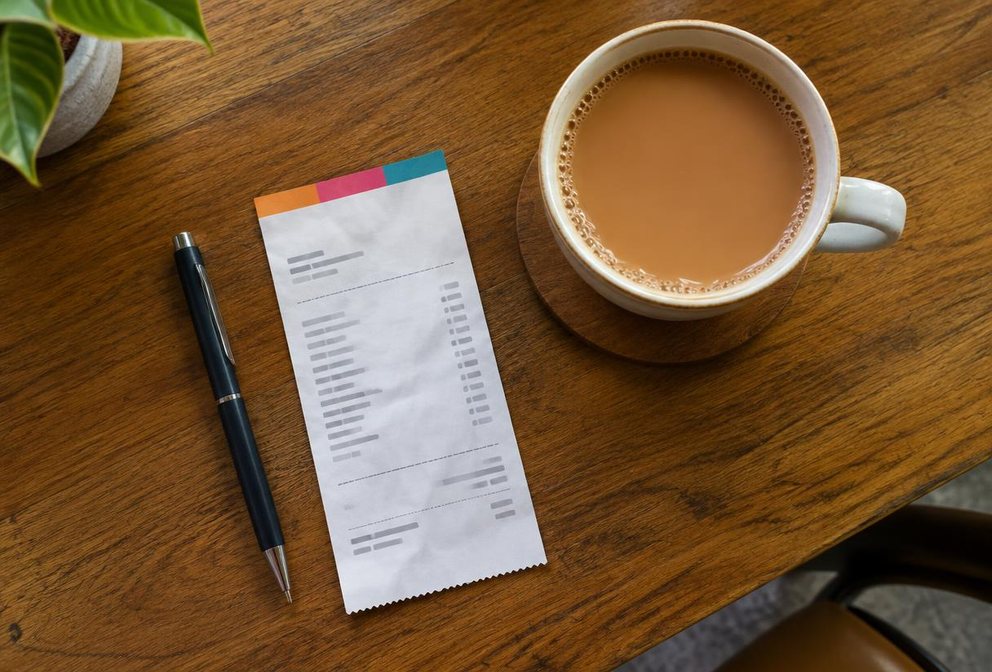
A full A4 page is too big for a simple cash sale. A5 (half of A4) and A6 (a quarter) are the perfect size for counter receipts — and they save paper. Here's how to make one with your logo and colours in a few taps.
Step by step
- 1Open the Official Receipt Generator. Official Receipt is already selected.
- 2Under Paper size, choose A5 or A6.
- 3Pick a theme colour — or tap Custom to match your brand.
- 4Choose Top stripe or Colour block for the header.
- 5Tap Upload logo. It stays on your device.
- 6Fill in your business name, phone and the customer's name.
- 7Add items: description, quantity, price. The total updates instantly.
- 8Add a thank-you message, then Download or Print.
Which size should I pick?
- A4 — formal receipts for companies, schools and offices.
- A5 — most shops and service businesses. Fits several items comfortably.
- A6 — quick counter sales with one to three items.
Printing tips
- Set margins to None or Default — the page size is set for you.
- Turn on Background graphics if your colours don't show.
- Printing A6 on A4 paper? Use your printer's “pages per sheet” option, then cut.
Tip: Leave a field empty and it simply doesn't print — no blank lines or placeholder text on your receipt.
This is a customer receipt. If a customer needs a KRA tax invoice, issue it through eTIMS.
Official sources
FAQs
Yes. It's free and runs in your browser. Nothing is uploaded.
Yes. Pick one of the six swatches or tap Custom to choose any colour.