
Design & Web · 7 min read
How to Use Canva for Posters, Business Branding and Social Media in Kenya
A practical guide to planning clear posters, building a consistent identity and adapting designs for social platforms.
By Dismus Nganyi · Published 18 October 2026
Choose a Canva Pro package for your design work
KSh 150 / 1 month · KSh 300 / 3 months · KSh 800 / 1 year. The guide continues below.
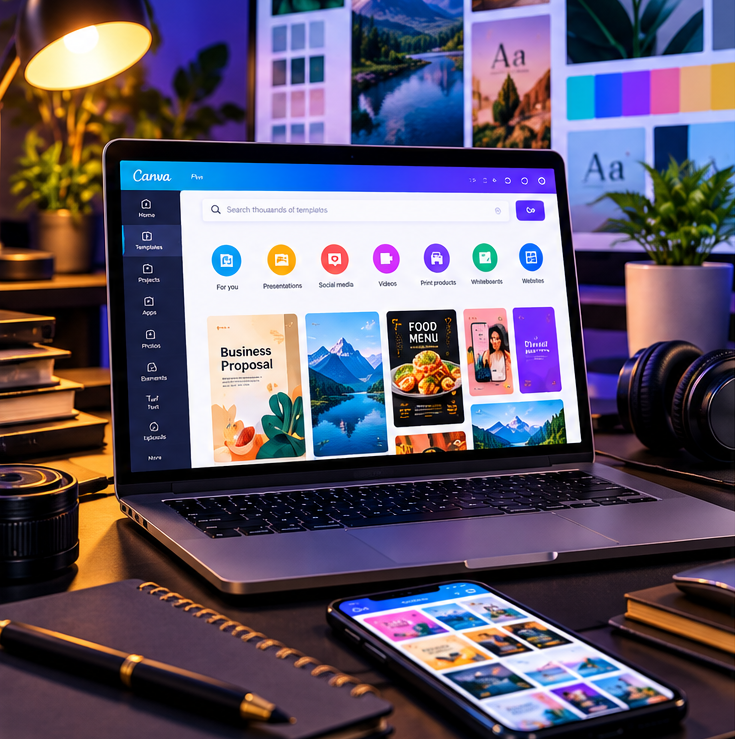
Canva can help a small business make everyday visuals without hiring a designer for every notice. A salon can announce a new service, a food seller can share a menu, a tutor can promote a holiday class, and a community group can invite people to a meeting. The tool is only one part of the job: a design works when the information is correct, the key message is easy to see, and the file suits where people will view or print it.
Plan the poster before opening a template
Write down the audience, one main message, a clear action and the details that must not be missed. For a Nairobi salon promotion, for example, the main point could be a specific service and offer; supporting details might be the valid dates, location or booking contact. For a chama meeting notice, show the meeting date, time, venue and contact first. Do not add a long history of the business to a small poster.
- 1Choose one purpose: inform, invite, sell or explain.
- 2Gather verified details, including dates, prices, phone numbers and any conditions.
- 3Select one strong image or illustration that genuinely relates to the offer.
- 4Choose a layout with a clear headline, supporting details and a visible action.
- 5Preview the design on a phone and, for print, check the file size, dimensions and printer's requirements.
Make social graphics readable
Most customers will see social content on a small screen. Use a headline that can be read quickly, keep body text brief and leave breathing space around each element. Make the most important information visually strongest; do not make every line bold or use several competing fonts. Check contrast: light text on a pale photo is difficult to read, while a dark translucent shape or a cleaner image may solve it.
Use a single graphic for one main offer rather than cramming every service into one image. A greengrocer can post a clear market-day selection and keep the full price list in the caption or a separate menu. A tutor can make one graphic for a holiday class, then use the caption for registration details. If a post has multiple slides, make the first one explain why to continue and ensure each later slide adds useful information.
Build a consistent business identity
Consistency does not require an expensive logo package. Start with a small set of brand choices: one or two type styles, a few colours, a consistent way of using the logo, and a tone of voice that sounds like your business. Repeat those choices across your price list, social posts and notices. Save a clean master version of your logo; avoid stretching it, placing it on a busy image, or changing its colours without a reason.
If you use Canva, create a reusable template for recurring work. Keep a copy of the original, then duplicate it for each new offer. Replace the date, price and image, and proofread every version. Canva describes Brand Kits as a place to organise logos, colours, fonts and assets for use in designs; the features available depend on the plan and account. (https://www.canva.com/help/brand-kit/)
Have your details ready and want help with the process? Talk to Cyber Kenya on WhatsApp →
Choose the right dimensions
Start by checking the current recommended format for the place you will publish. Social platforms change specifications, and feed posts, stories, video covers and profile banners have different proportions. Choose the matching design type or enter the required custom dimensions, then keep key words and logos away from edges where they might be cropped. For a printed poster, ask the print shop for the finished size, bleed and preferred file format before designing.
Canva's resize feature can adapt a design to other dimensions, but do not assume the resized version will be ready to publish without editing. Review line breaks, image crops, spacing and text size after resizing. Canva notes that Magic Resize is available on specified paid and other plans, and that uses may count against a monthly AI usage limit.
Common mistakes to avoid
- Too much copy: remove information that does not help the reader act.
- Tiny text: check the graphic on an ordinary phone, not only on a laptop.
- Unclear offer terms: show dates, price conditions and contact details accurately.
- Poor image quality: use a clear, relevant image and avoid enlarging a small file too far.
- Inconsistent identity: do not change fonts and colours randomly from post to post.
- Unlicensed or misleading content: use assets appropriately and do not present stock images as your real shop, team or product.
- No final proofread: check names, spelling, currency, phone number and date before exporting.
Free tools, Pro or professional help?
Use a free design tool when you are learning, producing occasional graphics, or can find suitable free resources. Consider a paid plan when a specific feature or premium asset is repeatedly useful; check current official plan details rather than relying on an old feature list. Canva Pro may help frequent designers use certain premium content, Brand Kit or editing tools, but it cannot make an unclear offer clear by itself.
Professional design assistance can be worth it for a full brand identity, a high-stakes campaign, complex print work, or a design system that several staff members must use. A designer can help create a coherent visual direction; you still need to provide correct business details and approve final proofs.
Ask Cyber Kenya about Canva Pro
Cyber Kenya lists Canva Pro service packages at KSh 150 for one month, KSh 300 for three months and KSh 800 for one year. These are not Canva's official list prices. Before paying, confirm the access method, account or workspace, package dates, support, restrictions and renewal terms. Contact Cyber Kenya on WhatsApp at the contact number shown on this page and ask for the details in writing. For the full package guide, read “Canva Pro in Kenya: Packages, Prices and How to Get Started”; for help deciding whether a paid plan suits you, see “Canva Free vs Canva Pro: Which Is Better for Your Design Work in Kenya?”