
Design & Web · 6 min read
Canva Free vs Canva Pro: Which Is Better for Your Design Work in Kenya?
Compare free and paid design workflows by what you actually make, how often you work, and which tools you need.
By Dismus Nganyi · Published 18 October 2026
Choose a Canva Pro package for your design work
KSh 150 / 1 month · KSh 300 / 3 months · KSh 800 / 1 year. The guide continues below.
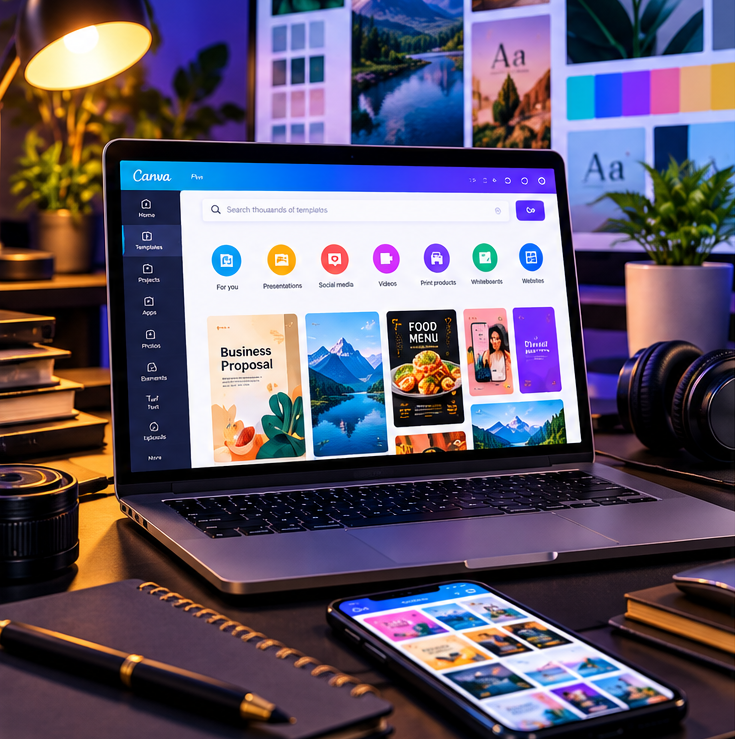
The choice between Canva Free and Canva Pro is not simply about which plan has more features. It is about whether the extra tools solve a real problem in your work. A student preparing a few class presentations, a biashara owner posting occasional offers, and a freelancer delivering branded graphics every week have different needs. Start with your projects, time and budget; then check the current plan details in Canva, because features and allowances can change.
When Canva Free can be enough
Free is a sensible starting point if you are learning design, make occasional posters or invitations, or can find suitable layouts and assets in the free collection. A student can build a presentation, a community group can make an event notice, and a new online seller can prepare simple product updates without immediately paying for a plan. The important test is whether the free tools let you export a clear, usable design for the purpose.
- You create only once in a while and do not need a repeated production workflow.
- Your chosen templates and images are available for free use.
- You are still learning basic layout, type and colour choices.
- Your current projects do not require a premium-specific tool.
- Your budget is better spent on essentials such as product photos, data or printing.
When a paid plan may be useful
Canva's official pricing page currently describes Pro as including premium content, Brand Kits and tools such as resize and background removal; check the live page for current features, availability, pricing and limits. If you repeatedly need a premium asset, want to store brand colours and logos in a Brand Kit, or regularly adapt one design to different dimensions, a paid plan may reduce friction. Canva's Help Centre says Magic Resize is available on Pro and certain other plan types; usage may count against a monthly AI limit.
Background removal can be handy for a product photo or a clean speaker portrait, but inspect the edges carefully, especially around hair, glass, fabric and intricate objects. Canva says Background Remover is available to Pro and selected other plans, and notes a one-time free use to try it. A feature being available does not guarantee every result will be suitable for print or advertising.
Think about your kind of work
Students should first check whether their school or institution provides a plan or eligibility route, and whether the assignments need premium assets. A paid subscription is rarely necessary just to make a clean presentation. Content creators can compare the time saved by reformatting content with the cost of access, while checking that music, images and other assets fit the intended platform and use.
Freelancers should consider whether clients need editable files, brand consistency or multiple versions. Ask what delivery format the client expects, and do not treat a design tool's licence as permission to resell every asset on its own. Business owners can begin with a small set of reusable templates for offers, opening hours, menus and announcements. A neat free design used consistently can be more effective than a premium tool used without a plan.
Have your details ready and want help with the process? Talk to Cyber Kenya on WhatsApp →
A simple way to decide
- 1Write down the designs you make in a normal month.
- 2Mark each project that is blocked by a specific unavailable tool or asset.
- 3Estimate how often a paid feature would save time or improve the result.
- 4Check the plan's current price, feature terms and any limits directly with Canva.
- 5If considering a Cyber Kenya package, confirm the access method, account/workspace, period, support and renewal terms before paying.
- 6Review your choice after the project or subscription period; do not keep paying for a tool you no longer use.
Cyber Kenya package options
Cyber Kenya lists KSh 150 for one month, KSh 300 for three months and KSh 800 for one year. These are the service's package prices, not Canva's official list price. Before purchase, ask how access is provided and whether it is personal or team/workspace access. Confirm the start and end dates, support, restrictions and renewal arrangements in writing. Do not assume your designs, account ownership or automatic renewal work in a particular way until confirmed.
Tip: For a one-off project, compare the total cost and terms before committing to a longer duration. A lower monthly equivalent only helps if the access meets your needs for that whole period.
Ask before choosing
- Which exact feature do I need that I cannot use now?
- How many times will I use it this month?
- Does the plan include that feature in my location and account type?
- Can I complete the project with a free alternative or a one-time professional service?
- If buying through a service provider, what access type and renewal terms are confirmed?
Need more detail?
For Cyber Kenya's package details, read “Canva Pro in Kenya: Packages, Prices and How to Get Started” or ask about Canva Pro on WhatsApp at the contact number shown on this page. To improve the designs you already make, see “How to Use Canva for Posters, Business Branding and Social Media in Kenya.”