
Design & Web · 6 min read
Canva Pro in Kenya: Packages, Prices and How to Get Started
A practical guide to Canva Pro, Cyber Kenya's three packages, and the questions to settle before you pay.
By Dismus Nganyi · Published 18 October 2026
Choose a Canva Pro package for your design work
KSh 150 / 1 month · KSh 300 / 3 months · KSh 800 / 1 year. The guide continues below.
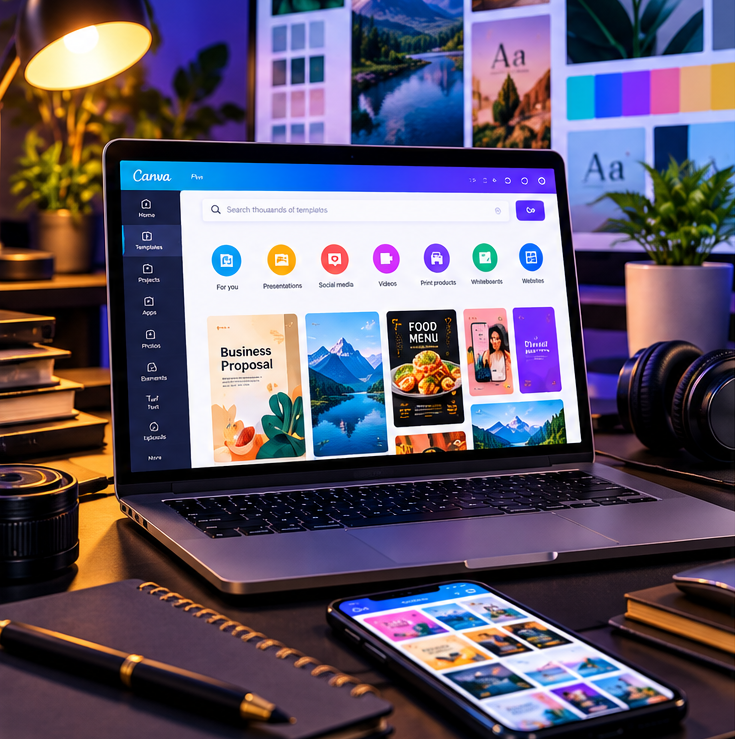
Canva is an online design tool for making visual content without starting every project from a blank page. Canva Pro is Canva's paid individual plan, with premium content and tools that can help frequent designers work faster. It may suit a Kenyan shop owner preparing weekly offers, a freelancer making client graphics, a church team creating event notices, or a creator adapting content for several channels. You can also make useful work with Canva Free; paying is not automatically the right choice for everyone.
What might Pro help you do?
Canva's current plan information describes Pro as including premium templates and media, Brand Kits, resizing and background removal tools, along with other features. The exact availability and limits can change, so check Canva's own plan page and in-product details before relying on a particular tool. Background Remover is available to Pro and certain other eligible plan types; Canva also describes a one-time free test of the tool.
For a small business, examples include preparing a menu, price list, salon promotion, chama meeting notice, market-day poster, product image, or a set of social posts. A freelancer may prepare a pitch deck or client draft, while a student may use presentation layouts. The tool helps with production, but it does not replace checking spelling, confirming prices, asking permission to use photographs, or choosing a clear message.
Cyber Kenya's listed packages
- KSh 150 — 1 month
- KSh 300 — 3 months
- KSh 800 — 1 year
These are the prices of Cyber Kenya's advertised service packages, not a statement of Canva's official list price. Before paying, ask Cyber Kenya to confirm exactly what access method is being offered, whose account or workspace you will use, when the period starts and ends, what support is included, and whether any renewal is automatic. Do not assume account ownership, an individual subscription, a team seat, or a renewal arrangement unless it is confirmed clearly before purchase.
Have your details ready and want help with the process? Talk to Cyber Kenya on WhatsApp →
Which duration should you choose?
Choose one month if you have a short campaign, want to test a regular design workflow, or are unsure how often you will use premium features. Three months can suit a seasonal project, a short course, or a business that wants time to build reusable materials. The annual option is the lowest monthly equivalent among these listed packages only if you expect to use the service for most of the year; it is not a promise of automatic renewal or uninterrupted access. Compare what you need with the confirmed access terms, not just the headline price.
How to enquire and prepare
- 1Message Cyber Kenya on WhatsApp and say you are asking about Canva Pro.
- 2Name the package you are considering: KSh 150 for one month, KSh 300 for three months, or KSh 800 for one year.
- 3Ask for written confirmation of the access method, start/end dates, support, renewal conditions, and any restrictions before paying.
- 4After you receive the details, decide whether they match your needs and keep the payment and service confirmation.
- 5Once access is confirmed, open Canva yourself and test the features you expect to use. Keep your designs and important files organised in your own account or agreed workspace.
Tip: Never send a password or one-time verification code to someone over WhatsApp. Ask for a safe, clearly explained setup process instead.
Questions to ask before purchase
- Is this an individual account, a team/workspace arrangement, or another access method?
- Will I use my existing account, and who can see or manage designs in the workspace?
- What exact date does the period begin and end?
- Does it renew, and if so, how would I cancel?
- What happens if a feature or access does not work during the stated period?
- Are there any usage or sharing restrictions I should know about?
Get Canva Pro information
To ask about the listed options, contact Cyber Kenya on WhatsApp at the contact number shown on this page. Confirm the details above before payment. For a comparison with the free plan, read “Canva Free vs Canva Pro: Which Is Better for Your Design Work in Kenya?” For practical design advice, see “How to Use Canva for Posters, Business Branding and Social Media in Kenya.”