Digital Skills · 6 min read
How to increase your Fuliza limit: what actually helps
Understand Fuliza limits, repayment and charges, without fake tricks or promises of an instant increase.
By Dismus Nganyi · Published 10 November 2026 · Last reviewed 10 November 2026
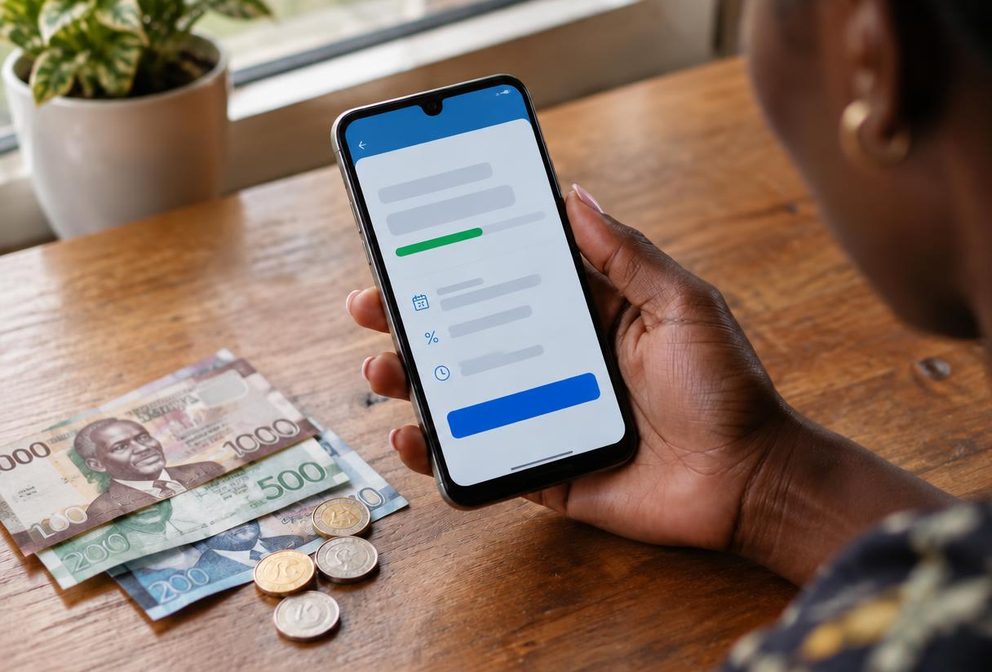
There is no verified shortcut that guarantees a higher Fuliza limit today. Safaricom says continued use of Safaricom and M-Pesa services, together with timely Fuliza repayment, helps grow a limit. That is not a promise that every customer who follows those habits will receive an increase.
Fuliza is a continuous overdraft that helps complete an M-Pesa transaction when your wallet balance is insufficient. Treat it as borrowing, not extra income. Before chasing a larger limit, understand how repayment affects incoming money and whether you can afford the charges on the amount you actually use.
1. Understand eligibility and a zero limit
Safaricom’s product page says you need an active, registered M-Pesa line and must opt into Fuliza. It lists national ID, Kenyan passport and military ID registration as eligible for activation, while noting that activation does not give every customer a borrowing limit. It says foreign-passport registrations cannot successfully opt in.
The page also says a limit is allocated based on line activity once a customer has been active on the network for at least six months. Customers with less than six months on the network have a zero limit. Meeting that period is not a promise of a particular amount, and another person’s limit tells you little about your own eligibility.
If you think your account details are wrong, ask Safaricom to check them through its official support process. Do not buy an older SIM or use another person’s identity to seek a limit. You would be creating account-control and repayment risks instead of fixing the underlying issue.
2. Check your limit through the official menu
- 1Dial *334# on your Safaricom line. Choose Loans and Savings, then Fuliza, following the labels on your screen.
- 2If you have not joined, read the current terms and use the opt-in option only if you agree. Complete any PIN prompt privately on your own handset.
- 3Use the Fuliza menu to check your limit, outstanding balance and mini statement. Record these separately so you do not confuse available borrowing with unpaid debt.
- 4Read the SMS received when you use Fuliza. Compare it with your records and contact Safaricom if an amount or transaction does not look right.
The menu can change, so follow the named product rather than copying a sequence of numbered choices from an old post. If a session expires, restart and check your status before repeating an action. Do not let someone claiming to be an agent enter your PIN or handle a verification code.
3. Focus on the habits Safaricom actually names
Safaricom advises continued use of its services and M-Pesa, plus repayment on time by topping up your M-Pesa account. Use the services for genuine needs you already have. Pay normal bills, receive legitimate payments and keep track of what you owe. There is no verified spending target in this guide.
- Plan repayment before accepting a transaction that needs Fuliza. Know which income will cover the debt and when it is likely to arrive.
- Review your statement for repeated small shortfalls. If you are using an overdraft for every basic expense, a larger limit could deepen the problem.
- Use a simple budget to reserve money for food, transport and other essentials after debt repayment. A limit is not a recommendation to spend.
- Contact official support about account errors, but do not assume a complaint can override the product’s limit assessment.
The FAQ describes reviews every three months depending on usage, while the product page says limits can refresh upwards or downwards based on use and timely repayment. A review therefore need not produce an increase. Do not borrow more merely to be active before a supposed review date.
4. Repay with incoming M-Pesa funds in mind
Safaricom instructs customers to repay by topping up their M-Pesa account. Plan on incoming funds being used to settle outstanding Fuliza rather than remaining fully available for another purpose. Check the outstanding amount before asking someone to send money intended for an urgent bill.
- 1Open the official Fuliza menu and check what is outstanding, including charges shown on your account.
- 2Put enough funds into your own M-Pesa account to cover the amount you intend to settle. Use a legitimate funding method.
- 3Check the updated Fuliza balance and confirmation messages. Keep evidence if the displayed repayment does not match your records.
- 4Before using the service again, check the remaining debt and the available limit. Avoid assuming a deposit has cleared everything without verification.
If repayment is difficult, contact Safaricom through its official channels and ask what options apply to your account. Do not take several expensive loans simply to keep an overdraft looking active. Borrowing from one app to repay another can leave you with several due dates and less money for essentials.
5. Read the charges before using the overdraft
Safaricom’s Fuliza product page states a one-off 1% access fee and a daily maintenance fee applied from the next day at midnight. The maintenance charge depends on the applicable tariff band and conditions. Check the current table and the amount shown for your transaction instead of relying on an old screenshot.
This guide does not reproduce every daily band or promotional waiver. Before accepting, consider how long you may remain overdrawn and any separate M-Pesa transaction cost. Ask support to explain a charge you do not understand. A larger approved limit is not the same as a cheaper loan.
Tip: Compare the full cost of the specific shortfall you need, not just the headline percentage. Avoid keeping an overdraft open casually because the first charge appears small.
6. Opt in or out for the right reason
The official *334# Fuliza menu provides opt-in and opt-out options. Before leaving, check outstanding borrowing and follow the repayment requirements shown. Save the confirmation and recheck your status if you are uncertain whether the request completed. Opting out is a product decision, not a debt cancellation.
Do not repeatedly opt out and back in as a limit trick. No official evidence reviewed for this guide guarantees that doing so raises your limit or restores an earlier amount. If you rejoin, assess the terms and limit actually offered rather than assuming your previous position will return.
7. Avoid limit agents and know when to get help
Reject offers to boost a limit for a payment, manufacture transaction activity or access an internal scoring system. Do not send money around in circles to create artificial turnover. Such activity costs money and is not an official method for getting a better limit. Never share your PIN, passwords, OTPs or reset links.
Cyber Kenya never asks for those secrets. You complete sign-in and verification yourself. Cyber Kenya can help you understand instructions and organise a support query, but cannot change a Fuliza limit or guarantee approval. If ordinary expenses continually require credit, prioritise an affordable repayment plan over a higher borrowing ceiling.