Digital Skills · 5 min read
How to protect your M-Pesa from scammers and Wangiri calls
Spot SIM swaps, fake reversals and loan offers. Learn how to report fraud and protect your M-Pesa PIN.
By Dismus Nganyi · Published 10 November 2026 · Last reviewed 10 November 2026
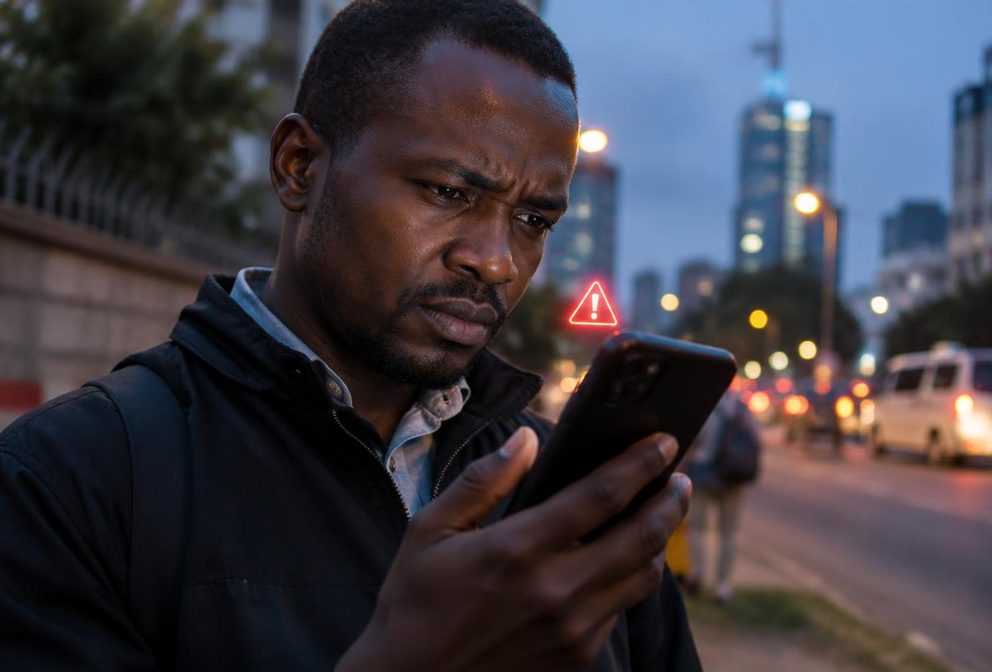
A missed call, a reversal request or an offer to increase your Fuliza limit can look harmless. The danger starts when someone pressures you to call back, send money or reveal information. Slow down before taking any action involving your phone number or M-Pesa account.
Safaricom’s fraud guidance says you should never disclose your M-Pesa PIN, SIM passcodes or one-time codes. Use the official reporting channels rather than continuing a conversation with someone who says they are helping. This guide explains what to check and how to respond without making the situation worse.
Recognise the warning signs early
- A caller threatens to block your line unless you act immediately, or claims your number has been registered twice.
- Someone asks for your PIN, balance, ID details or a code just sent to your phone.
- You are told to dial unfamiliar instructions while the caller stays on the line.
- A message promises a prize, loan or higher borrowing limit after an advance payment.
Do not treat knowledge of your name as proof that a caller is genuine. Instead, end the call and contact the organisation through contact details you find independently. Keep screenshots and messages, but do not circulate personal information in public groups when asking whether a message is a scam.
Reduce the risk of a SIM swap
A fraudulent SIM swap happens when someone takes control of your number on another SIM. That can expose messages and verification codes linked to your accounts. Protect your identity documents and avoid posting your ID number, date of birth or full personal records on social media.
- 1Use a phone screen lock and enable the SIM lock through your device settings. Keep the SIM PIN private and follow your device instructions carefully.
- 2Safaricom lists ***100*100#** as the code to prevent your SIM being swapped without you present. Read the prompts yourself before accepting anything.
- 3Safaricom lists *106# for checking numbers registered in your name. Investigate unfamiliar registrations through official support.
- 4Protect the email and financial accounts connected to your number with unique passwords. Do not approve sign-in requests you did not start.
Tip: Security codes belong to you. Cyber Kenya never asks for your PIN, password, OTP or reset link. You complete sign-in and verification yourself.
Act quickly if your line stops working unexpectedly
Loss of network does not automatically mean fraud. There may be a coverage or device problem. However, unexpected loss of service together with account alerts or suspicious calls deserves urgent attention. Do not wait for a caller to explain it or pay someone to restore the line.
- 1From another working phone, contact Safaricom through 100 or 200. Explain that you suspect an unauthorised SIM swap and ask for urgent protection of the affected line and M-Pesa account.
- 2Follow Safaricom’s identity-verification instructions through its official channels. If directed to a shop, take the identification requested by Safaricom, not documents demanded by an unknown caller.
- 3Notify any bank or other financial provider connected to the number. Ask what protective action is available for those accounts.
- 4Preserve messages, transaction references and the time service stopped. Report suspected theft to the police and retain your complaint references.
- 5After recovery, review transactions and security settings. Change compromised credentials through the official services and report any unfamiliar activity.
Do not return suspicious Wangiri calls
The Communications Authority warns that Wangiri scams lure people into returning unfamiliar international calls that lead to premium charges. A recorded message may keep you connected. The missed call itself is the bait; you do not need to call back to find out who it was.
If you do not recognise an international number, leave it alone. If you are expecting an overseas call, verify with your contact using an existing trusted channel. Block and report suspicious numbers to your provider. If you already called, disconnect and ask your provider about unexpected airtime use or charges. Do not call again to complain.
Check fake reversal requests without sending money
A fraudster may send an imitation M-Pesa message and then call claiming they sent money by mistake. Safaricom says genuine M-Pesa messages come from M-PESA, not a customer’s line. Even so, check your own account history rather than relying on a screenshot, forwarded message or the caller’s explanation.
- 1Do not send a fresh payment to the caller or to a different number they provide.
- 2Open your trusted M-Pesa channel yourself and review the transaction record. Never use a link provided by the caller to check your balance.
- 3Safaricom advises asking the sender to forward the transaction message to 456 or contact Safaricom for reversal assistance.
- 4Let Safaricom handle the request. Do not travel to an agent or follow menu instructions dictated by a stranger.
Reject fake Fuliza and loan offers
Do not send an activation payment to someone promising a Fuliza limit increase, loan approval or debt cancellation. Safaricom warns against sending money to unlock loans, jobs or prizes. Check any offer inside the provider’s official service, not through an unsolicited WhatsApp contact or sponsored post.
If you are considering a digital credit provider, check the current Central Bank of Kenya licensed Digital Credit Providers list before proceeding. Do not assume that an app’s logo or availability in an app store confirms licensing. Read the provider’s actual charges and terms. No adviser can guarantee a borrowing limit or approval.
Report fraud and strengthen your PIN habits
Safaricom instructs customers to forward fake messages to 333. Its customer advisory also lists SMS to 333 for suspected SIM interference or stolen personal details. Save evidence before deleting anything. Reporting does not guarantee a refund, so separately contact support urgently if money or account access is at risk.
Change your M-Pesa PIN immediately through the official service if you suspect someone knows it. Avoid obvious choices such as your birth year. Cover the keypad when entering it, and never save the PIN in a message alongside your number. Cyber Kenya can explain reporting steps, but cannot reverse transactions, recover money or change loan limits.