Digital Skills · 6 min read
How to check a phone’s IMEI in Kenya: CA, not TCRA
Use Kenya’s official IMEI check, inspect phone condition and get written warranty terms before paying a Nairobi seller.
By Dismus Nganyi · Published 10 November 2026 · Last reviewed 10 November 2026
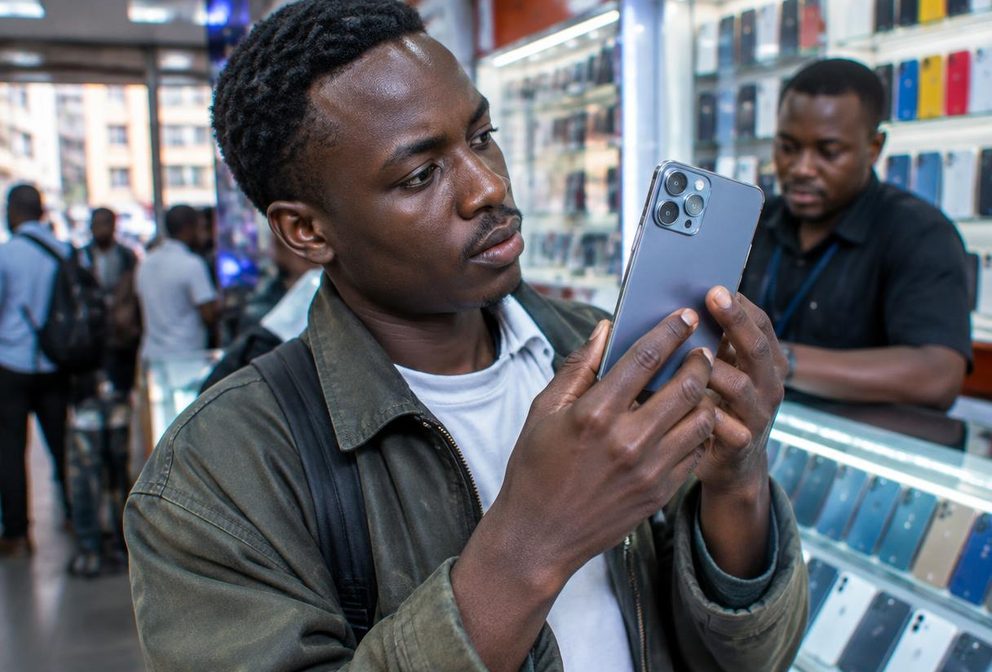
Before paying for a phone in Nairobi, check the actual handset rather than trusting the box, a sticker or a seller’s assurance. An IMEI check is an important first step, but it is not a complete inspection. You also need to establish whether the phone is new, used or refurbished, what works and who will honour the warranty.
Use Kenya’s regulator, not Tanzania’s
TCRA means Tanzania Communications Regulatory Authority. It is Tanzania’s communications regulator. For a Kenyan handset check, use the Communications Authority of Kenya, normally called CA. A search result mentioning TCRA may be useful to someone buying in Tanzania, but it is not the Kenyan checking route described here.
CA publishes an IMEI checking service for Kenyan consumers. Start from the official CA page rather than a sponsored checker that asks for payment or account credentials. Do not send a seller your M-Pesa PIN or one-time code to obtain a device-authenticity result. The official check does not require a helper to sign into your private accounts.
Be cautious if a seller insists that checking is unnecessary because the phone was imported. You are checking the handset you will use, not merely accepting a story about where the stock came from.
Find the IMEI and send the official SMS
CA describes the IMEI as a 15-digit device identification number. Its published instructions are to dial *#06# on the mobile device and text the IMEI to 1555. CA says this service is free and returns information about validity, including the phone model. The same CA page also provides an online checker.
- 1Ask to inspect the powered-on handset before completing payment.
- 2Dial *#06# and carefully read the displayed IMEI.
- 3Send the 15-digit IMEI by SMS to 1555 using the official CA instructions.
- 4Read the response and compare the returned model with the actual phone being sold.
- 5Compare the handset’s displayed identification with the box and sales paperwork, and pause if anything does not match.
If the phone displays multiple IMEIs, record and check the identifiers shown rather than assuming the first result covers everything. If a reply does not arrive, recheck your entry and use CA’s official online checker or ask CA for guidance. A missing reply is not proof that the device is genuine or counterfeit.
Understand what the result can and cannot prove
A result matching the expected model is useful evidence, but do not turn it into a promise that every part is original or that the phone has never been repaired. The service checks the identifier information. It is not a battery test, a full repair history or confirmation that a particular shop’s warranty will be honoured.
Likewise, a matching box is not enough. Packaging can be separated from the handset, and a printed label is easier to show than the device’s own settings. Look at the actual phone, the result and the written sales description together. Stop if the seller offers one model but the checking service reports another.
Tip: Do the check before money changes hands and keep the response with your purchase records. Avoid posting the full IMEI publicly when asking strangers for advice; use the official regulator and seller complaint channels.
Separate counterfeit, used and refurbished phones
A counterfeit phone is not simply any phone sold cheaply. A used genuine phone has had a previous owner. A refurbished phone may have been repaired, tested or fitted with replacement parts before resale. These conditions should be explained clearly so that you can compare the price and warranty with what is actually being sold.
Ask directly whether the handset is new, used, refurbished or repaired, and request that description on the receipt. Ask whether any screen, battery or other major component has been replaced, and whether replacement parts are original or compatible. A vague phrase such as clean phone does not answer those questions.
Inspect screws, seams, ports and screen edges for damage or uneven fitting. These checks can reveal concerns but do not conclusively prove authenticity or repair history. If you cannot assess an expensive used handset confidently, seek an independent inspection before purchase rather than accepting a rushed demonstration.
Test ordinary functions in the shop
- Check the exact model, storage capacity and operating-system information in the phone’s settings.
- Test touch response across the screen, brightness, cameras, microphones and speakers.
- Check charging, buttons and any fingerprint or face-unlock feature the seller advertises.
- Where practical, test a call, mobile data, Wi-Fi and the SIM slots you intend to use.
- Check that the previous owner’s accounts and activation locks are properly removed through the legitimate owner’s process.
Ask the seller to explain any fault instead of dismissing it as something an update will definitely fix. Leave if they propose bypassing someone else’s account lock or require you to take the phone away before testing. A working home screen is not enough if the handset later asks for a previous owner’s account during setup.
Do not sign into your main email, banking app or mobile-money account merely to test a stranger’s phone. Use the minimum information necessary for inspection. If the shop will not allow reasonable checks, consider a different seller rather than relying on a discount to cover unknown risks.
Get a useful receipt and written warranty
CA encourages consumers to buy from authorised vendors and says vendors should display its Vendor Licence. Look for a seller who identifies the business clearly, allows inspection and provides meaningful purchase records. A busy Nairobi location or a familiar brand logo on the wall is not by itself proof of authorisation.
Ask for a receipt showing the seller’s details, purchase date, handset model, identifier and amount paid. Have the agreed condition recorded as well. For the warranty, establish who handles repairs, what faults are covered, what is excluded and what you must do if a problem appears. Do not assume a shop warranty is the same as a manufacturer-backed warranty.
Keep receipts, the IMEI response, warranty terms and relevant sales messages together. If you discover a mismatch, contact the seller promptly with a clear explanation and evidence. Escalate unresolved authenticity concerns through official consumer-complaint routes rather than paying an intermediary to change the handset’s identity.
Treat disconnection claims carefully
Kenya has previously blocked counterfeit handsets from mobile networks. Safaricom’s published statement records compliance with the regulator’s 2012 counterfeit-phone switch-off directive. That history shows that counterfeit devices can face network restrictions; it does not establish a new deadline for every handset being sold today.
Do not forward a message claiming that all older, refurbished or imported phones will be disconnected on a particular date unless a current official notice actually says so. Refurbished condition alone does not prove counterfeiting. Check current CA and operator notices for the applicable policy rather than using an old enforcement announcement as a current countdown.
If you receive a warning about your device, verify it with CA or your operator through an official route. Never pay a personal number to whitelist the phone, and do not agree to change or clone its IMEI. A genuine purchase record and official guidance are safer than an informal promise that a questionable handset will keep working.