Government · 5 min read
How to get your NTSA interim driving licence on eCitizen
Passed your driving test? Get your interim driving licence through the NTSA section of eCitizen while you wait for the smart DL.
By Dismus Nganyi · Published 8 November 2026
Need a hand with your NTSA booking or transfer?
Want to handle it yourself? Continue with the guide.
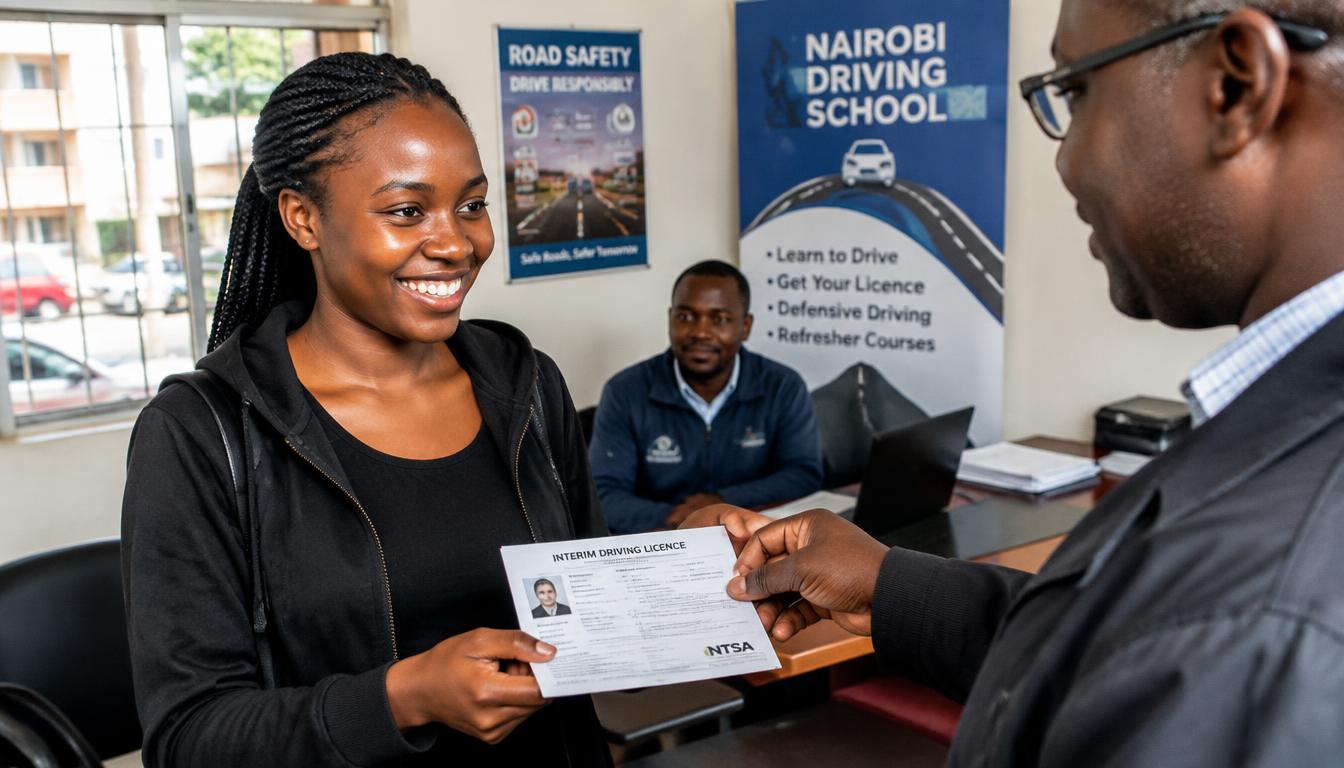
After you pass your driving test, there is a gap before the smart driving licence card is printed. The interim driving licence fills that gap: it is the official document that lets you drive legally while you wait. It is issued through the NTSA section of eCitizen once your test results are in the system.
Before you apply
- You must have passed the driving test and the result must be recorded by NTSA
- An eCitizen account in your own name, linked to your National ID
- Your test booking details or reference, if asked
- M-Pesa or another payment option if a fee is shown
Steps to get the interim licence
- 1Sign in to your own eCitizen account and open National Transport and Safety Authority (NTSA).
- 2Open Driving Licence services and look for the interim licence option.
- 3Confirm the test record the system shows — class, date and result.
- 4Submit the application and pay any invoice shown through the official checkout.
- 5Download or print the interim licence as the portal directs.
- 6Apply for the smart DL itself if you have not already, so the card process starts.
Using the interim licence
Carry the interim licence whenever you drive, together with your National ID. It is valid for the period printed on it. If your smart DL is not ready by the time it nears expiry, check the portal or visit an NTSA office before it lapses — do not drive on an expired interim licence.
If the option does not appear
- Your test result may not be uploaded yet — confirm with your driving school or the test centre
- Your eCitizen account may not be linked to your test record — visit an NTSA office with your ID and test documents
- System downtime happens; try again later and keep screenshots of any errors
Who needs the interim licence
The interim licence is for new drivers who have passed their test and are waiting for the smart DL card. It can also apply in other situations where NTSA issues a temporary document while a card is processed — the portal shows what is available for your record. If you already hold a valid smart DL, you do not need an interim document; this service is for the gap between passing and holding the card.
Have your details ready and want help with the process? Talk to Cyber Kenya on WhatsApp →
From test pass to interim licence
The chain matters: your driving school books or confirms your test, you sit it, the examiner records the result, and the result flows into the NTSA system. Only then does the interim option make sense. If you passed but the system shows nothing, the result has not been uploaded — chase the test centre or your school first, because no portal trick can create a record that does not exist yet.
Mistakes new drivers make
- Driving on the test pass alone — a pass slip is not a licence
- Letting the interim licence expire while waiting for the card
- Applying with an eCitizen account that has different names from the ID
- Paying brokers who promise faster cards — the queue is the queue
Avoid these and the process is short: pass, interim, smart DL application, biometrics, collection. Each step is tracked in the same portal.
What the interim licence allows — and what it does not
The interim licence lets you drive the class of vehicle you passed for, within Kenya, for its printed validity. It does not add classes you did not test for, and it does not exempt you from the rules new drivers must follow. If you plan to drive a PSV, the interim licence is not enough — that path needs the PSV badge and its own requirements. Read the document you receive and follow exactly what it says; when in doubt, ask NTSA rather than assuming.
For parents and guardians of new drivers
If your son or daughter has just passed, help them do this properly rather than quickly. The eCitizen account must be in their own name with their own ID — not yours, and not the driving school’s. Guide them through the interim application and the smart DL booking, but let them complete the sign-in and payments themselves so the account stays theirs. A clean start matters: the record created now follows their driving life, from their first job application that asks for a licence to their first PSV badge years later.
Tip: Apply for the smart DL at the same time as the interim licence. The card takes the longest, so start it early.
Keep your passwords, reset links and one-time codes private. Cyber Kenya can guide you and prepare details, but you complete sign-in and verification yourself. Any official government charge is separate from Cyber Kenya’s assistance fee.