
Government · 3 min read
How to create and secure your eCitizen account
Register as a citizen on eCitizen, verify your account and keep it safe — the first step for most government services online.
By Dismus Nganyi · Published 7 November 2026
Want a hand with this on eCitizen?
Prefer to do it yourself? The guide continues below.
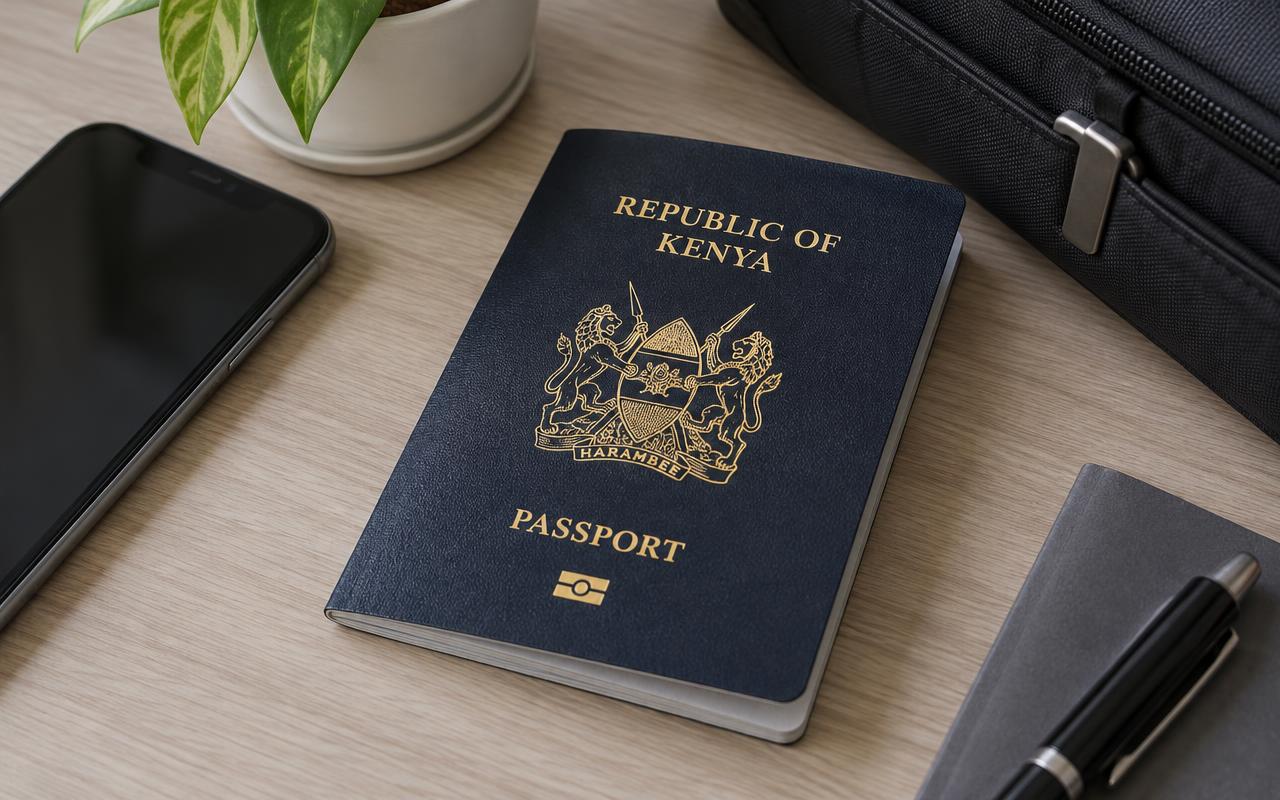
eCitizen is Kenya’s official portal for government services and payments. Most services — NTSA, birth certificates, business registration, passports — need your own account. Set it up once, carefully.
What you need
- Your National ID details
- A phone number you control
- An email address you can open yourself
Steps
- 1Go to ecitizen.go.ke and click Register.
- 2Choose Citizen and enter your ID details exactly as on your ID.
- 3Add your phone number and email.
- 4Enter the one-time code sent to you. Never share this code.
- 5Create a strong password only you know.
- 6Sign in and confirm your profile details are correct.
Keep it safe
eCitizen sends one-time codes to your phone or email when you sign in. Anyone with your code can enter your account. Pay only through the eCitizen checkout options: M-Pesa, cards, Airtel Money and listed bank channels.
Tip: A convenience fee is added to some services. It appears on the invoice before you pay.
Keep your passwords, reset links and one-time codes private. Cyber Kenya can guide you and prepare details, but you complete sign-in and verification yourself. Any official government charge is separate from Cyber Kenya’s assistance fee.