
Government · 4 min read
DCI Good Conduct application: eCitizen forms, booking and fingerprints
A practical checklist for Kenyan adult police clearance applications, including the C24 form, invoice copies and fingerprint visit.
By Dismus Nganyi · Published 7 November 2026
Want a hand with this on eCitizen?
Prefer to do it yourself? The guide continues below.
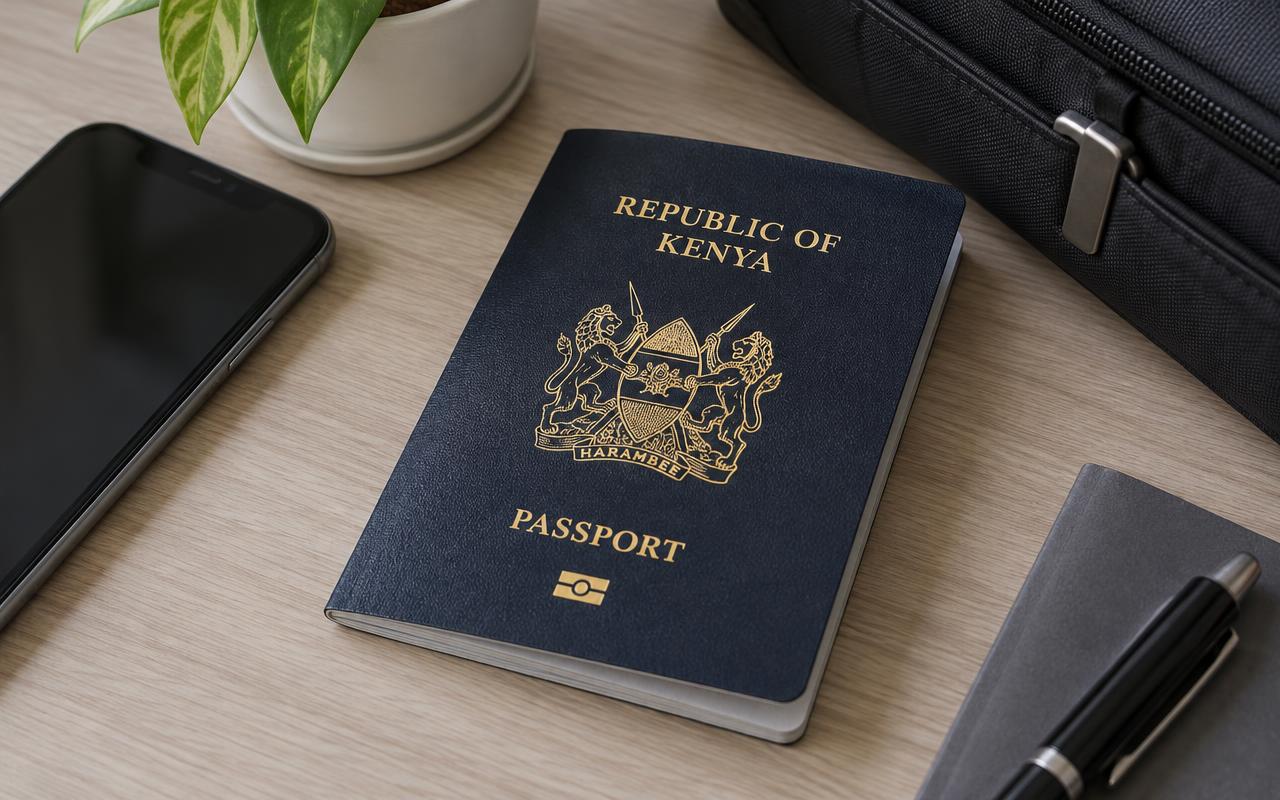
Kenyan employers often call the DCI Police Clearance Certificate a Certificate of Good Conduct. The application begins online, but a Kenyan adult applicant must also attend the selected location for fingerprints. Paying online does not complete the physical identity check. This guide concentrates on the documents and visit that applicants frequently miss, so you can prepare once and avoid a wasted journey.
Check the correct applicant category
DCI publishes different instructions for Kenyan adults, children aged 16–17 and other applicant categories. Use the route that matches your age and citizenship. The adult checklist below assumes you have an original Kenyan National ID. If you are applying as a minor, a foreign resident or from outside Kenya, read the relevant DCI instructions before paying. Do not substitute an adult ID number belonging to a parent or friend.
What to prepare before applying
- Your own eCitizen account and contact details you can access. Complete sign-in and verification yourself.
- Your original National ID for the fingerprint visit. Check your names and ID number against the online application.
- Access to a printer for the C24 form and invoice copies. A phone screenshot may not meet the published printing instructions.
- A suitable fingerprint location from the options offered in the official application.
- A payment method accepted by the official portal, and time to attend in person.
Step by step: online application
- 1Open the official DCI eCitizen service and sign in to your own account. Choose Police Clearance Certificate.
- 2Select the adult application where appropriate. Enter identity and contact information carefully.
- 3Select your fingerprinting area or location from the available options. Check that you can travel there before proceeding.
- 4Review the application and pay only through the official payment instructions displayed on the portal. Save the receipt or invoice.
- 5Download the generated C24 fingerprint form and invoice. DCI’s adult instructions specify two invoice copies and one C24 form printed on both sides of A4.
- 6Read the submission and attendance instructions. If the live portal asks for an appointment, complete that booking and save the confirmation.
Do I need to book a fingerprint appointment?
DCI’s published page instructs applicants to select a location and attend for fingerprint recording; it does not establish a universal requirement to reserve a date or time. The live application or your selected centre may have additional arrangements. Follow those instructions and confirm attendance requirements before travelling. Avoid advice that promises the same walk-in or appointment process at every centre. Changing location after payment may need further guidance from the service.
Have your details ready and want help with the process? Talk to Cyber Kenya on WhatsApp →
At the fingerprint centre
Take your original National ID, the two invoice copies and the correctly printed C24 form to the selected centre. DCI lists Huduma Centres countrywide and DCI Headquarters among fingerprinting locations. Use the location selected in your application and follow the staff’s identification and fingerprint-recording process. You must attend personally; an online assistant cannot supply your fingerprints or complete that visit on your behalf.
Before leaving, check whether you need to retain a stamped document, reference number or any further instructions. Keep application papers together in a private folder. If staff identify a mismatch in your name, ID details or printouts, resolve it through the official process rather than starting a second application without guidance. A clean printout and accurate identity information make the visit easier, but do not guarantee a processing date.
Track and download the certificate
DCI says applicants receive an SMS notification when the certificate is ready to download from eCitizen. Check the account used for the application and the application status, especially if a message does not arrive. Download the certificate, confirm the personal details and save it with the relevant job or visa paperwork. Let the organisation requesting it explain its validity or recency requirements; do not assume every employer accepts the same issue date.
Fees, delays and assistance
Use the fee displayed by the official portal rather than an old social-media quotation. No fixed completion time is promised in this guide. If a job deadline is close, apply early and ask the employer whether an application acknowledgement is acceptable while processing continues. Cyber Kenya’s assistance fee is separate from any official DCI/eCitizen charge. Help with forms and print preparation does not replace attendance or alter DCI’s processing decision.
Tip: Keep your eCitizen password and verification codes private. Ask for form guidance without forwarding your account credentials or reset links.