Government · 6 min read
How to book an NTSA vehicle inspection on eCitizen
Book your motor vehicle inspection through the NTSA section of eCitizen: choose the vehicle, pay the invoice and pick a centre and date.
By Dismus Nganyi · Published 8 November 2026
Need a hand with your NTSA booking or transfer?
Want to handle it yourself? Continue with the guide.
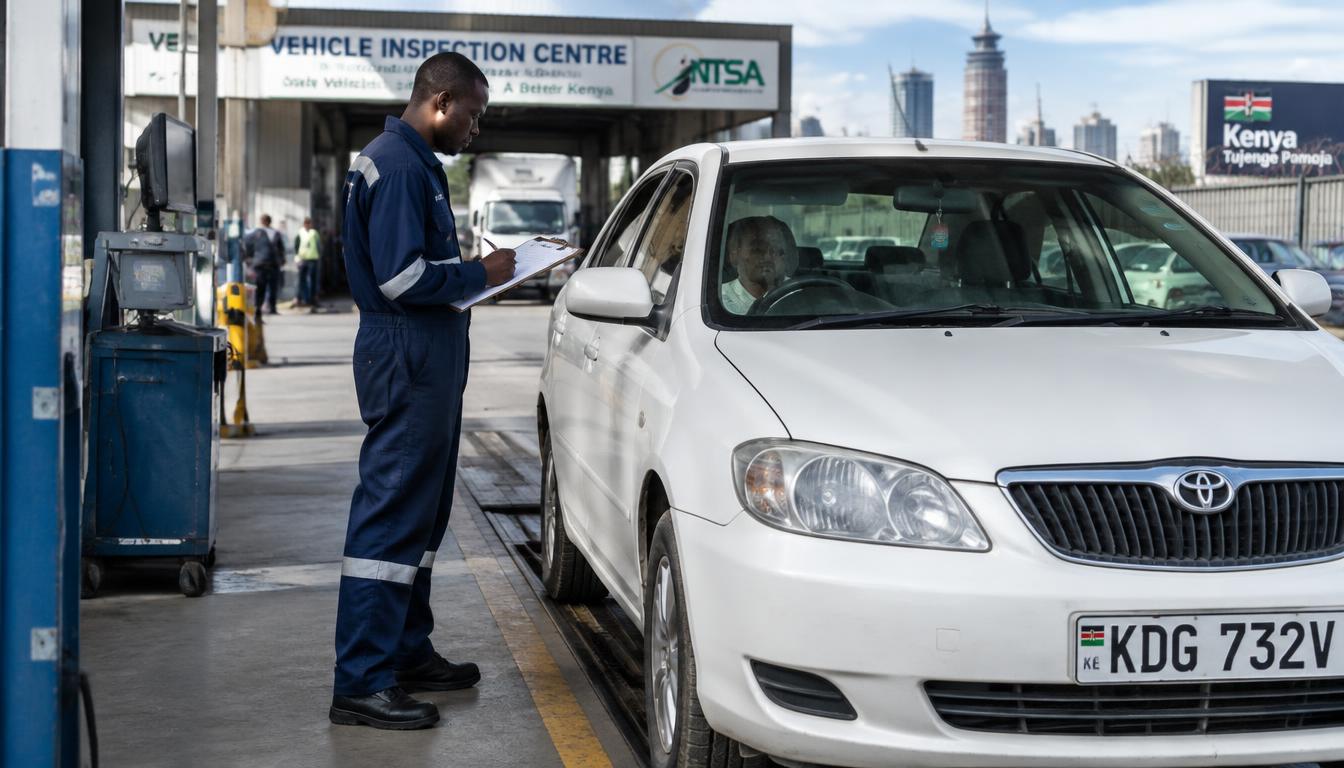
Vehicle inspection in Kenya is booked online through the NTSA section of eCitizen. The old walk-in queues are gone for most centres: you book a slot, pay the invoice, then take the vehicle to the inspection centre you chose. This guide walks you through the whole booking from sign-in to the confirmation slip.
What you need before you start
- An eCitizen account in your own name, linked to your National ID
- The vehicle’s registration number (number plate)
- Access to the phone number or email on your eCitizen account for one-time codes
- M-Pesa or another payment option shown at checkout
- A rough idea of which inspection centre is convenient for you
If the vehicle is registered under a company or another person, the booking is usually made from the account linked to that registered owner. Sort out the account first — it saves you a failed booking later.
Steps to book the inspection
- 1Sign in to eCitizen yourself and open National Transport and Safety Authority (NTSA).
- 2Open the motor vehicle inspection service and choose to book a new inspection.
- 3Select the vehicle from the list linked to your account, or enter its registration details as asked.
- 4Choose the inspection type shown for your vehicle — for example periodic inspection for a PSV or commercial vehicle.
- 5Pick an inspection centre and an available date and time slot.
- 6Read the invoice amount shown, then pay through the official eCitizen checkout only.
- 7Save or print the booking confirmation and payment receipt. Carry them on the inspection day.
On the inspection day
Arrive a little early with the vehicle, your National ID and the booking confirmation. The vehicle should be clean enough for the inspectors to check the chassis and engine numbers. If the vehicle fails, the report tells you what to fix before rebooking.
Common booking problems
- Vehicle not showing in your account: the vehicle may be linked to a different eCitizen or old TIMS account. See our guide on linking TIMS to eCitizen.
- No slots at your preferred centre: try another centre or check again early in the morning when new slots open.
- Payment made but booking not confirmed: keep the receipt and check the booking status in the portal before paying again.
Have your details ready and want help with the process? Talk to Cyber Kenya on WhatsApp →
Which vehicles need inspection
Not every vehicle follows the same inspection schedule. Public service vehicles — matatus, buses and taxis — are inspected on a periodic cycle because they carry passengers for money. Commercial and heavy vehicles also have periodic inspections tied to their class and weight. Private cars are different: they are generally inspected when ownership changes, after major modifications, or when NTSA directs. If you are not sure which category your vehicle falls into, open the NTSA section of eCitizen and check the services offered for your specific vehicle — the portal only shows what applies to it.
Choosing the right inspection centre
The booking flow lets you pick from the centres with open slots. Think beyond distance: a centre near your mechanic is smart, because a failed vehicle often goes straight for repairs before re-inspection. Morning slots tend to run on time; afternoon queues absorb the day’s delays. If you run more than one vehicle, book them on different days so one failure does not ground your whole operation.
After a passed inspection
When the vehicle passes, the result is recorded in the NTSA system and you receive the inspection sticker or certificate as directed. Check that the record appears in your portal within a short time, and keep the receipt and report with the vehicle’s documents. If you are inspecting ahead of a sale, a fresh passed inspection is a strong selling point — mention it and be ready to show the record.
What the inspection report means
Whether the vehicle passes or fails, you get a report. Read it even after a pass: it notes the condition of key systems, and small remarks today are the failures of next year. After a fail, the report is your repair list — hand it to your mechanic as written, not as you remember it. Keep every report with the vehicle’s documents. A file of consistent passes is proof of care when you sell, and a pattern of the same failure tells you a repair was done badly.
Tip: Book well before your current inspection sticker expires. Last-minute bookings around month-end fill up fast, especially for PSVs.
Keep your passwords, reset links and one-time codes private. Cyber Kenya can guide you and prepare details, but you complete sign-in and verification yourself. Any official government charge is separate from Cyber Kenya’s assistance fee.