Government · 5 min read
How to do an NTSA motor vehicle search (copy of records)
Verify a vehicle’s real owner, engine and chassis numbers on eCitizen before you buy — the search that protects you from fraud.
By Dismus Nganyi · Published 8 November 2026
Need a hand with your NTSA booking or transfer?
Want to handle it yourself? Continue with the guide.
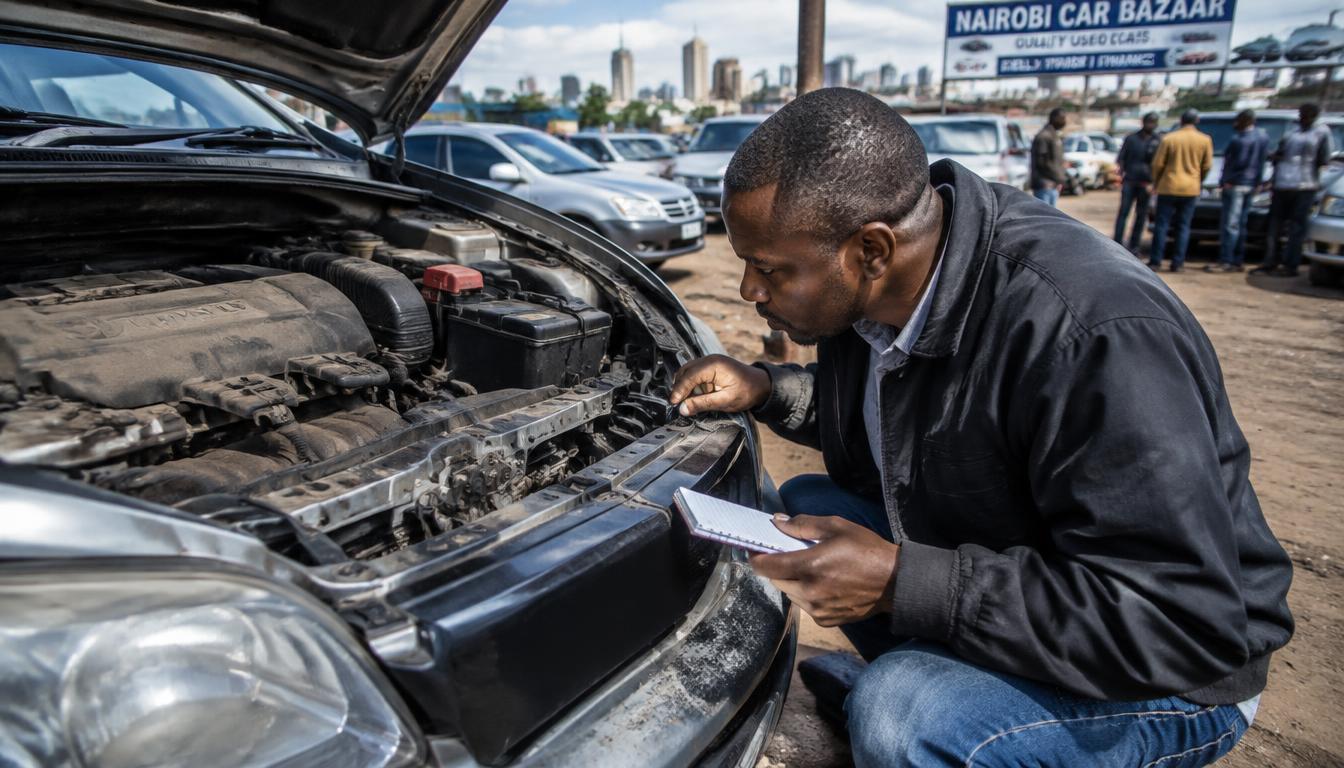
A motor vehicle search — officially called a copy of records — is the single most important step before buying a used vehicle in Kenya. It shows what the NTSA register actually says: the registered owner, the vehicle’s make, engine and chassis numbers, and any caveats. Logbooks can be forged; the register is much harder to fake.
What the search shows
- The registered owner’s name as per NTSA records
- Vehicle details: make, model, colour, engine and chassis numbers
- Caveats — for example a bank loan or court order blocking transfer
- The vehicle’s registration history held in the system
Steps to do the search
- 1Sign in to your own eCitizen account and open National Transport and Safety Authority (NTSA).
- 2Open the motor vehicle search or copy of records service.
- 3Enter the vehicle’s registration number exactly as on the number plate.
- 4Pay the official invoice shown at checkout.
- 5View and download the records. Save a copy — you may need it later.
How to read the results
Compare every line with the physical vehicle and the logbook the seller shows you. The engine and chassis numbers on the car must match the records exactly. The registered owner should be the person selling to you — or they must explain, with documents, why not. Any caveat means the vehicle cannot be cleanly transferred until it is lifted.
Red flags to walk away from
- Seller refuses a search or insists it is ‘not necessary’
- Engine or chassis numbers on the vehicle differ from the records
- The registered owner is a third party with no documentation
- A caveat the seller ‘forgot’ to mention
- Pressure to pay a deposit before you verify anything
When else a search is worth doing
Buying is the obvious moment, but not the only one. Do a search when a vehicle is offered as loan security, when you are taking over a company car, when a family vehicle’s ownership is unclear, or when you suspect your own vehicle’s record has errors. The search fee is small; the mistakes it prevents are expensive.
Have your details ready and want help with the process? Talk to Cyber Kenya on WhatsApp →
Search results versus the physical logbook
Treat the search as the source of truth and the logbook as a printout of it. If the logbook shows different engine numbers, a different owner, or a different colour from the records, stop. Either the logbook is forged or the record is wrong — and both possibilities need NTSA’s attention before any money moves. A genuine seller will wait while you verify; a rushed seller is telling you something.
Using the results in negotiation
A clean search strengthens the seller’s price; problems found in a search are legitimate negotiation points. If the vehicle has an old caveat the seller genuinely forgot, they can clear it — but that is their cost and their time, not yours. Put in writing that the sale depends on a clean transfer in the NTSA system, and keep your search results with the sale agreement.
Pairing the search with a physical inspection
The records check and the physical check answer different questions. The search tells you the vehicle is legally what the seller claims; a mechanic’s inspection tells you it is mechanically worth the price. Do both, in that order — no point paying a mechanic for a vehicle whose records fail. When both come back clean, you can negotiate with confidence. When either fails, you have saved yourself from the most common and most expensive mistake in the used-car market.
Searching motorcycles, tractors and other classes
The search is not only for cars. Motorcycles — including boda bodas — tractors and trailers all have records, and all are bought and sold with the same fraud risks. The steps are the same: registration number in, invoice paid, records out. For boda boda purchases especially, where cash sales between strangers are common, the search is the only thing standing between you and a stolen bike. Whatever the vehicle class, verify before you pay.
The small fee that saves millions
Every year, Kenyans lose vehicles and savings to deals that a single search would have stopped: cloned cars, vehicles under undisclosed loans, sellers who do not own what they are selling. The search takes minutes and costs a small official fee. The loss it prevents can be the entire purchase price. Before your next vehicle purchase — whether it is a family car, a boda boda or a matatu — make the copy of records the first thing you buy, not the last thing you regret skipping.
Tip: Do the search yourself on your own account, even if the seller shows you one. A screenshot from a stranger proves nothing.
Keep your passwords, reset links and one-time codes private. Cyber Kenya can guide you and prepare details, but you complete sign-in and verification yourself. Any official government charge is separate from Cyber Kenya’s assistance fee.