Government · 6 min read
Smart DL biometrics booking and collection: the full process
Book your fingerprint biometrics appointment, track printing, and collect your smart DL at Huduma Centre or NTSA offices.
By Dismus Nganyi · Published 8 November 2026
Need a hand with your NTSA booking or transfer?
Want to handle it yourself? Continue with the guide.
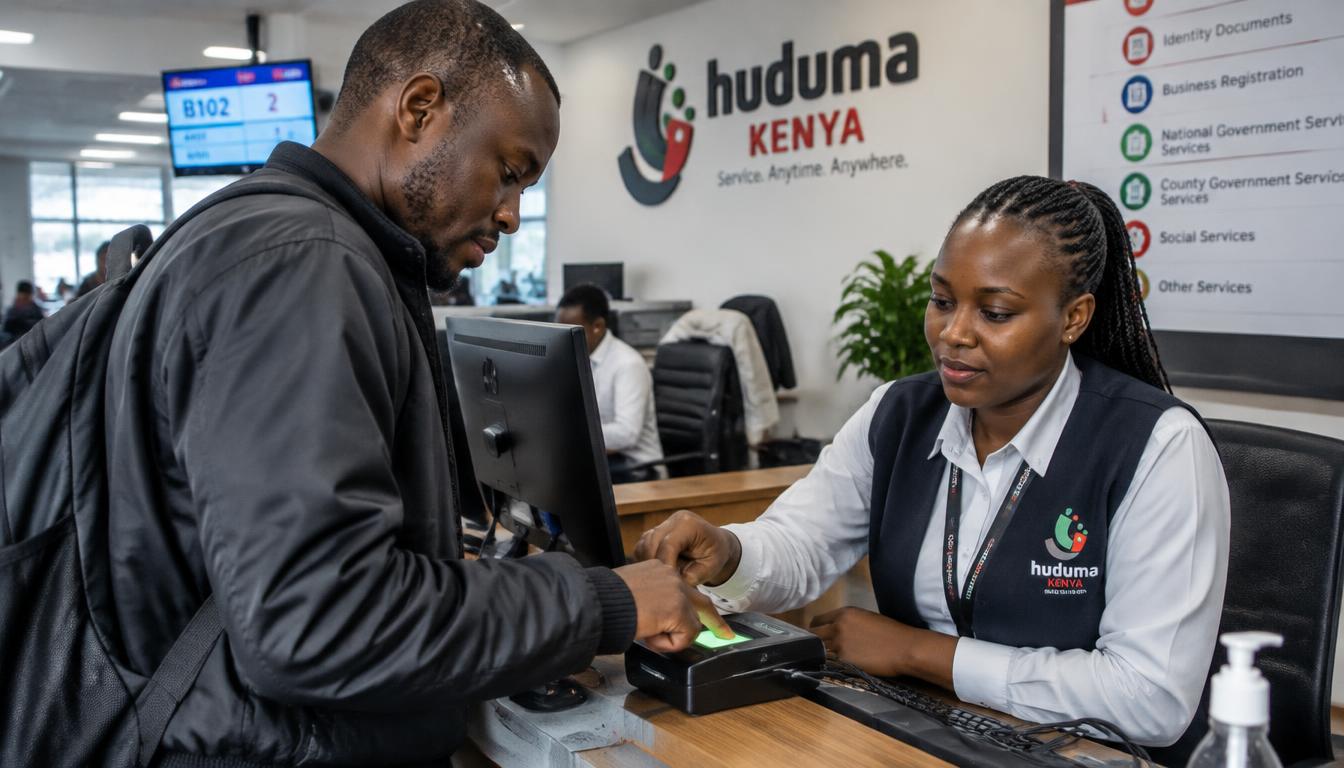
The smart driving licence needs your fingerprints and photo captured in person — that is the biometrics appointment. After capture, the card is printed and sent to the collection point you chose, such as a Huduma Centre or NTSA office. This guide covers booking the appointment, what happens there, and how to check that your card is ready.
Booking the biometrics appointment
- 1Sign in to your own eCitizen account and open National Transport and Safety Authority (NTSA).
- 2Open Driving Licence services and choose the smart DL application or biometrics booking option.
- 3Confirm your personal details and licence classes.
- 4Pick a capture centre and an available date and time.
- 5Pay any invoice shown through the official eCitizen checkout and save the receipt.
- 6Save the appointment confirmation — you will need it at the centre.
At the appointment
- Carry your National ID and the appointment confirmation
- Your fingerprints and photo are captured on the spot
- Confirm the details on screen before the officer submits — errors here follow you onto the card
- Ask how you will be notified when the card is ready
Checking if your card is ready
The NTSA portal shows the status of your smart DL application — from biometrics captured, to printing, to ready for collection. Check the status in the same Driving Licence services section where you booked. Go to collect only when the status or an official notification says the card is ready; turning up early wastes your trip.
Collecting the card
- 1Go to the collection point you chose with your National ID.
- 2Carry any collection slip or notification you received.
- 3Check the card details immediately — name, ID number, classes and expiry date.
- 4Report any error at the counter before you leave.
Preparing for the biometrics appointment
Small things cause failed captures. Keep your hands clean and dry — lotion, oil and dust defeat fingerprint scanners. If you do manual work that wears your fingerprints, mention it to the officer early so they can take extra care with the capture. Dress as you want to appear on the card, because the photo taken that day is the one printed. And arrive on time: biometrics slots are short, and a missed slot means rebooking.
Have your details ready and want help with the process? Talk to Cyber Kenya on WhatsApp →
Where cards are collected
Collection points include NTSA offices and Huduma Centres, and you choose yours during the application. Pick the point you can actually reach easily — cards are not posted to you. If you move towns between application and printing, ask at an NTSA office whether the collection point can be changed before the card is dispatched; after dispatch, you collect where it was sent.
If the card has errors
Check the card at the counter: names, ID number, date of birth, licence classes and expiry. An error caught at collection is far easier to fix than one discovered at a roadblock or by an insurer. Report it immediately, keep the card if they let you, and follow the correction process you are given. Do not laminate, bend or punch holes in the card — a damaged chip can mean paying for a replacement.
Planning around printing delays
Card printing is the slowest part of the smart DL journey, and delays happen. The practical response is to keep your interim or existing licence valid while you wait — never let the document you drive on expire because you assumed the card would arrive first. If the wait stretches far beyond what you were told, follow up at the capture centre with your receipt rather than starting over. A fresh application does not jump the queue; it just adds a new one.
Converting from the old paper licence
If you still hold the old paper driving licence, the biometrics appointment is your bridge to the smart DL. The flow is similar — application in the NTSA section of eCitizen, biometrics booking, capture, then collection — but your record may need extra verification because it predates the digital system. Carry the original paper licence to the appointment alongside your ID. If the officer cannot find your record, do not leave without a clear note of what document or office will resolve it.
A quick recap
The smart DL journey has three legs: the application and payment on eCitizen, the biometrics capture in person, and the collection when the status says ready. Prepare for the capture, choose a collection point you can reach, and check the card at the counter before you leave. Track everything in the portal and keep your receipts until the card is in your wallet. Follow those steps and the process is slow at worst — never stuck.
Tip: If your status stays unchanged for a long time, visit the capture centre with your receipt rather than booking a fresh appointment.
Keep your passwords, reset links and one-time codes private. Cyber Kenya can guide you and prepare details, but you complete sign-in and verification yourself. Any official government charge is separate from Cyber Kenya’s assistance fee.