Government · 5 min read
How to reschedule an NTSA inspection booking
Missed your slot or need a different centre? Change your vehicle inspection date or location on eCitizen without paying twice.
By Dismus Nganyi · Published 8 November 2026
Need a hand with your NTSA booking or transfer?
Want to handle it yourself? Continue with the guide.
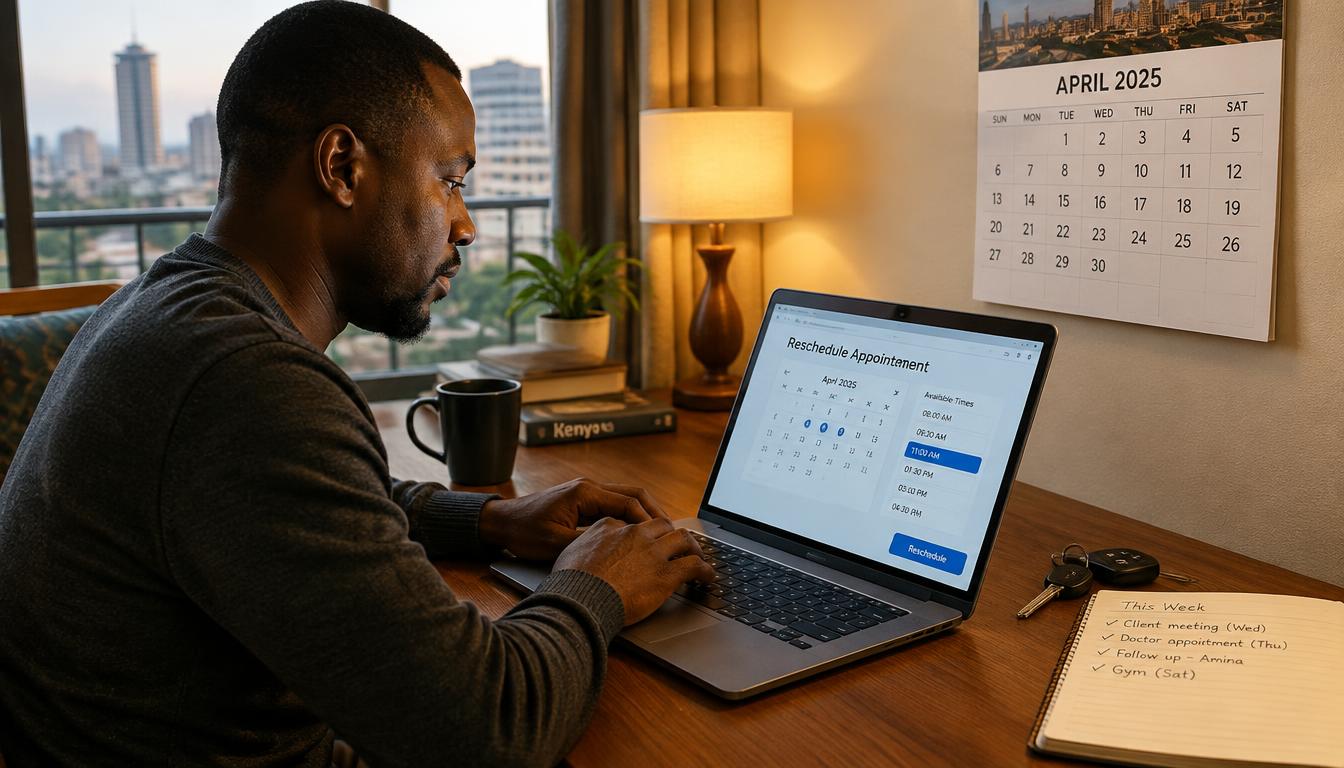
Life happens: the vehicle broke down, the driver was unavailable, or the centre you picked is suddenly inconvenient. In most cases you can change your inspection booking in the NTSA section of eCitizen instead of losing the payment and starting over.
Before you reschedule
- Find your original booking confirmation and receipt
- Check whether the new date or centre has open slots before cancelling anything
- Reschedule as early as possible — same-day changes are the hardest
- Confirm whether rescheduling rules differ for your vehicle class in the portal
Steps to change the booking
- 1Sign in to the eCitizen account that made the original booking.
- 2Open National Transport and Safety Authority (NTSA), then the motor vehicle inspection service.
- 3Open your existing booking from the list of bookings or applications.
- 4Choose the option to change the date, time or centre where offered.
- 5Pick the new slot and confirm. Save the updated confirmation.
- 6If the portal offers no change option for your booking, contact NTSA through the support channels on the portal before paying again.
If you already missed the slot
A missed booking is not always lost money. Open the booking in the portal and check its status: some bookings can be moved after the date passes, while others need a fresh booking. Do not pay a second invoice until you have confirmed the first payment cannot be carried over — and never pay an individual who promises to ‘fix’ it.
Avoiding the problem next time
- Book morning slots — delays pile up as the day goes on
- Confirm the driver and vehicle are available before paying
- Keep the confirmation on your phone and a printed copy in the vehicle
When rescheduling makes sense
Move a booking when the vehicle genuinely cannot make it: a breakdown, a driver falling ill, or urgent repairs that would cause a failure anyway. Also consider moving when you learn your chosen centre has long queues on certain days. But do not reschedule just to delay — every day closer to expiry narrows your options, and a failed booking followed by an expired sticker is the worst combination.
Have your details ready and want help with the process? Talk to Cyber Kenya on WhatsApp →
Choosing a better slot the second time
Treat the reschedule as a chance to fix what went wrong. If you missed a morning slot because of Nairobi traffic, pick a centre on your side of town. If the vehicle failed pre-checks, book far enough ahead for repairs to finish properly. And if the first centre had no slots for weeks, look at centres in neighbouring towns — a short drive can beat a long wait.
If the vehicle is not ready
Never take a vehicle to inspection hoping defects will be overlooked. A failure goes on the record, you pay again for re-inspection, and you lose the slot. If repairs will not finish in time, reschedule early rather than gambling. Keep the repair receipts either way — they help at re-inspection and protect you if a defect is disputed later.
Rescheduling for fleets and saccos
When you manage several vehicles, one missed slot can cascade: the vehicle misses inspection, its sticker expires, and it is grounded while you hunt for a new date. Build slack into your calendar — book fleet inspections staggered across the month, never all in the same week. If a vehicle must miss its slot, move the booking the same day you learn of the problem, while choices are still open. Keep a shared record of bookings so the office, not just one driver, knows what is coming.
Refunds and failed payments
Sometimes a payment leaves M-Pesa but the booking does not confirm. Do not pay again immediately. Give the system time, then check the payment status in the portal with your transaction code. If the money is genuinely stuck, raise it through the support channels on eCitizen with the M-Pesa message and the time of payment. Refunds and reversals follow official processes — they are slower than anyone would like, but they exist, and they start with your evidence.
A quick recap
Rescheduling is normal and the portal is built for it: open the account that booked, find the booking, change the date or centre where the option exists, and save the new confirmation. Move early, pick a slot you can truly keep, and never pay a second invoice before confirming the first cannot move with you. If the portal cannot help, NTSA’s support channels can — with your receipt in hand. The goal is simple: one vehicle, one valid inspection, no wasted payments.
Tip: Screenshot every change you make in the portal. If a payment dispute comes up, timestamps are your best evidence.
Keep your passwords, reset links and one-time codes private. Cyber Kenya can guide you and prepare details, but you complete sign-in and verification yourself. Any official government charge is separate from Cyber Kenya’s assistance fee.